
Sign & Fill PDF in Minutes
Import documents, create signatures, and export polished PDFs from your iPhone.

Import documents, create signatures, and export polished PDFs from your iPhone.
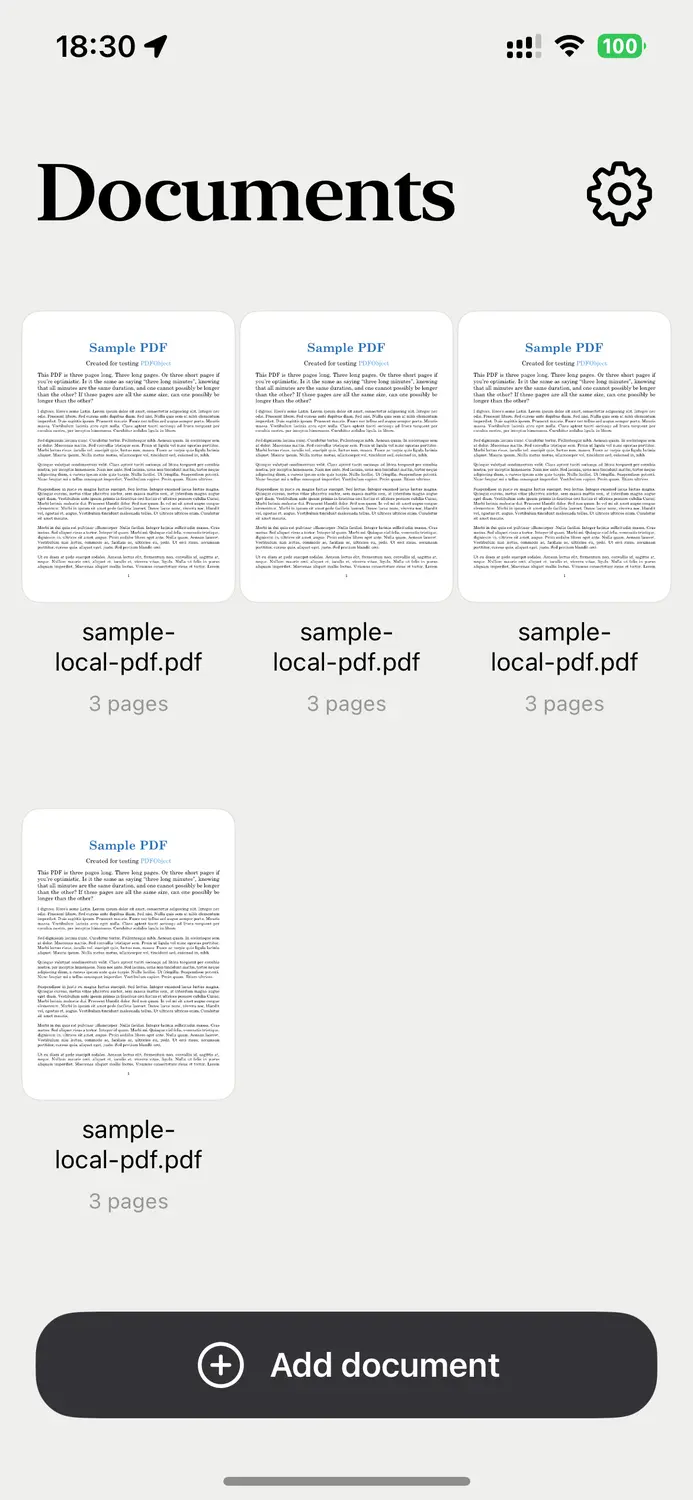
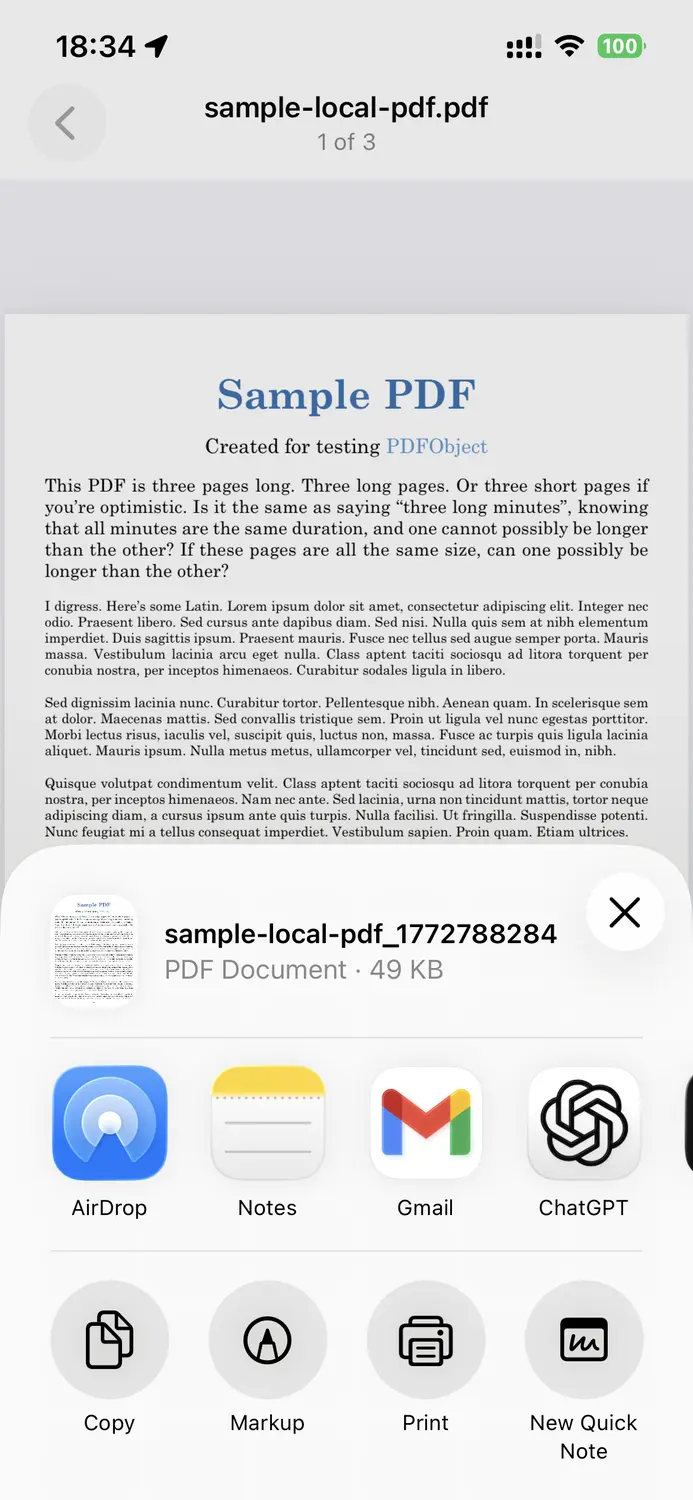
Add documents from Files or scan paper pages into a clean PDF workflow.
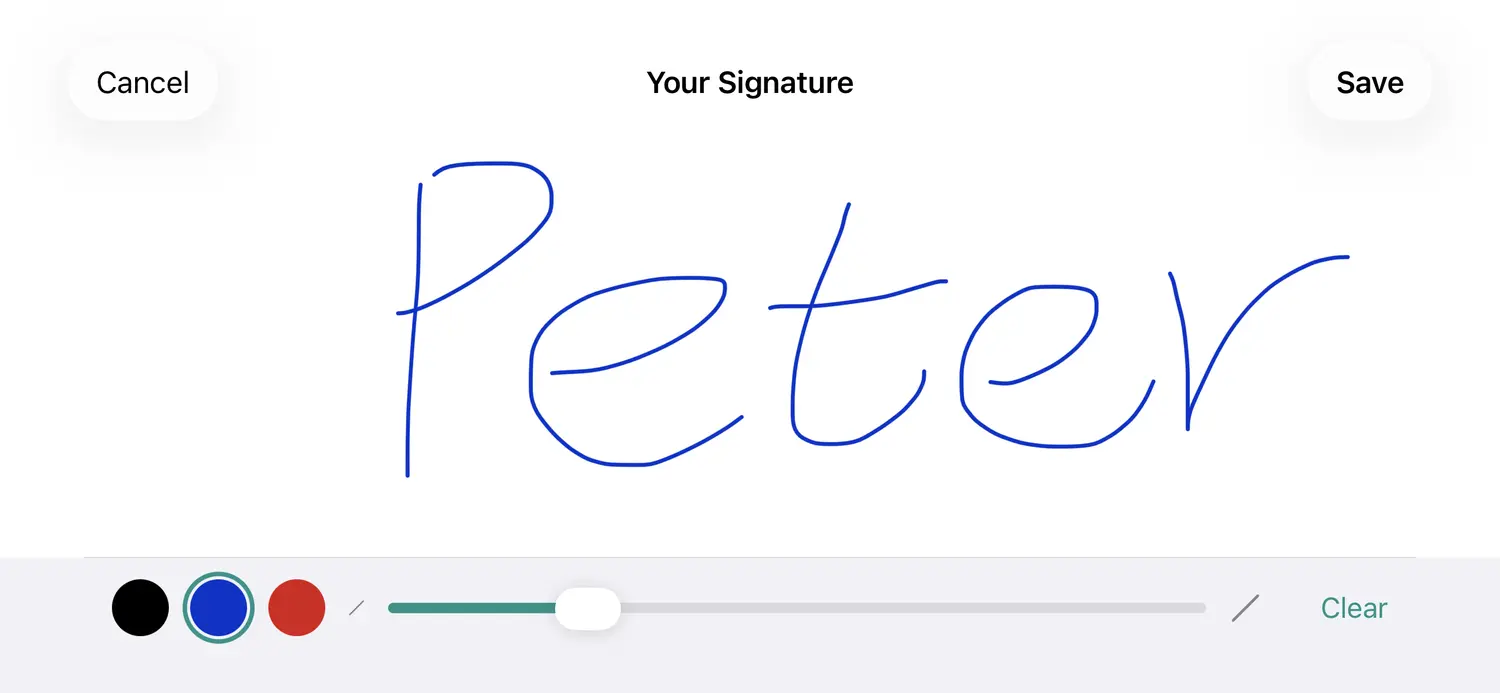
Draw reusable signatures with adjustable stroke width and color.
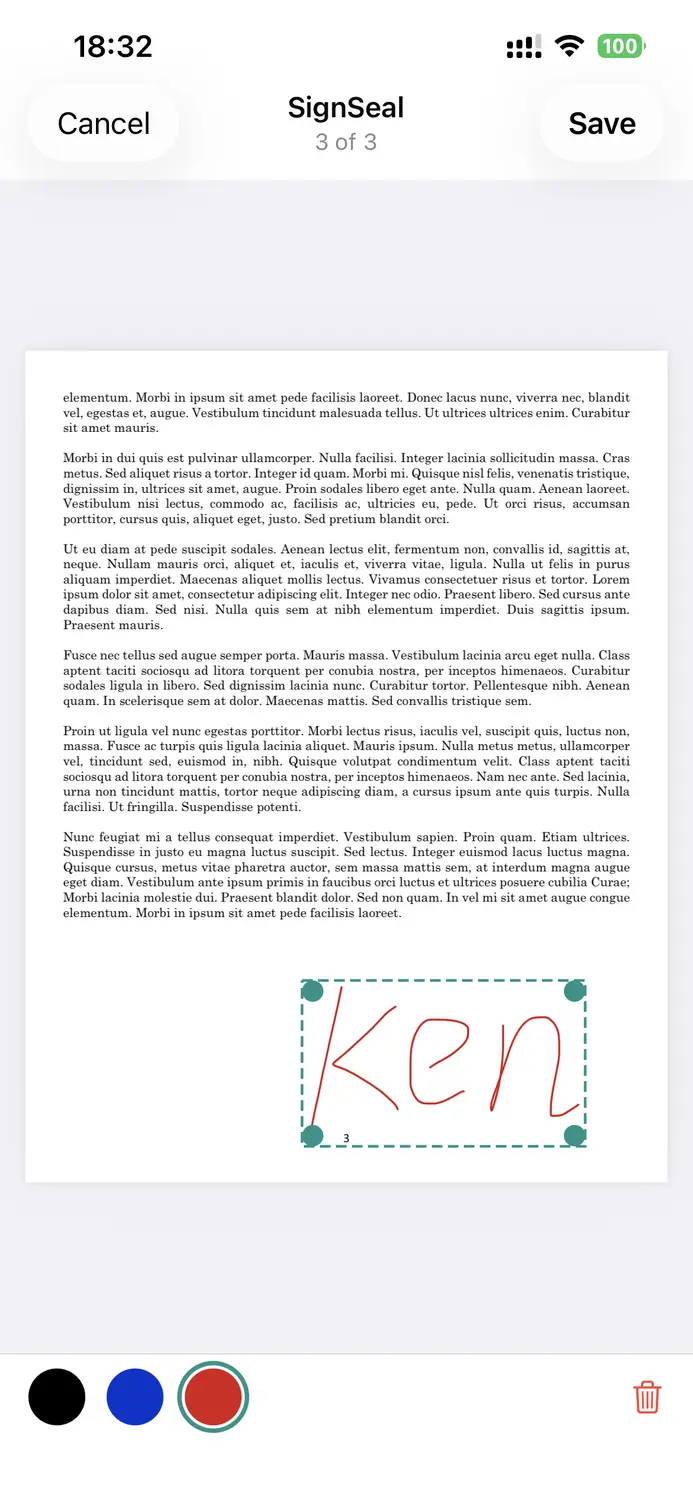
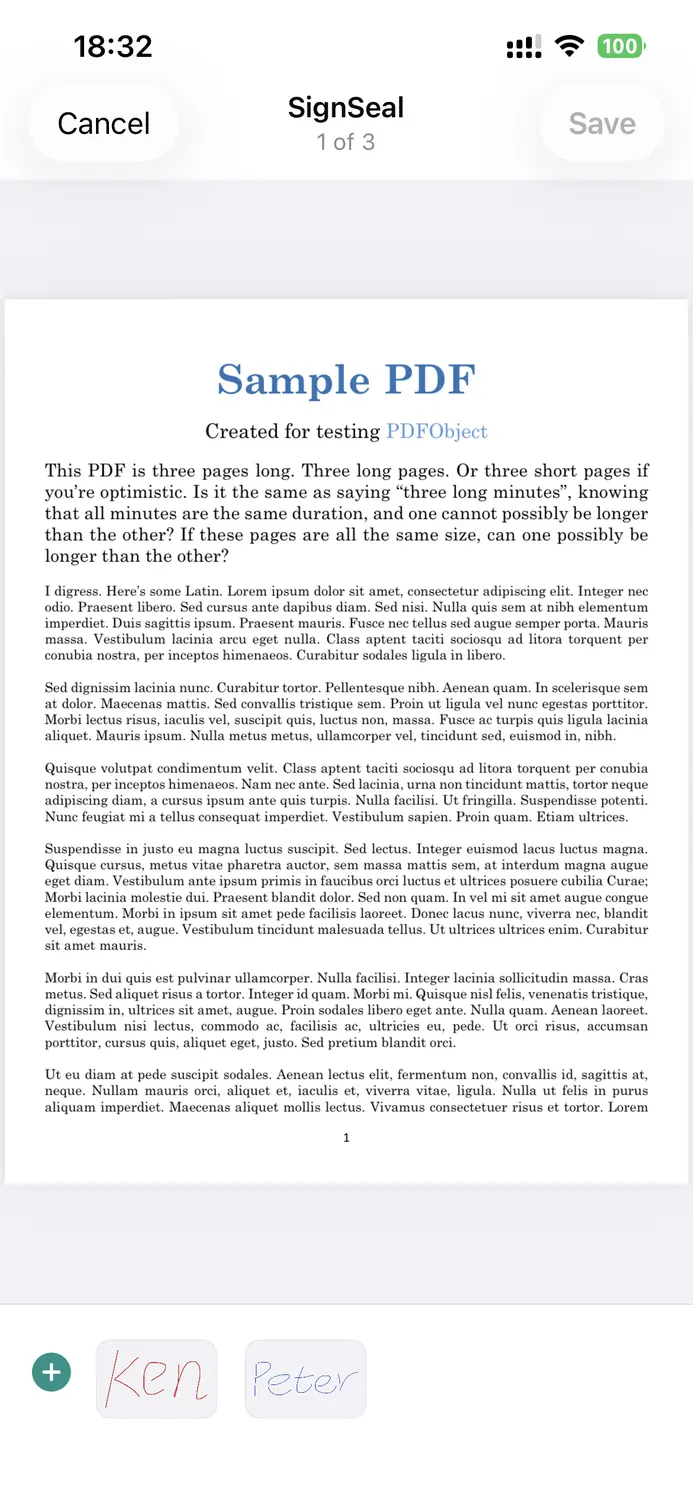
Tap to insert, drag to move, and resize your signature anywhere on the page.
Send signed PDFs with the native share sheet when your document is ready.
Import a PDF, add your signature, and export in minutes.
Import a PDF from Files or scan a paper document.
Draw and save one or more signatures for reuse.
Tap the page to insert, then move, resize, or recolor it.
Save the signed PDF and share it anywhere with one tap.
Answers for signing, exporting, and subscription questions.
Yes. SignSeal lets you import a PDF, place your handwritten signature directly on the document, and export the signed file digitally.
No. Your documents and signatures stay on your device unless you choose to share an exported PDF yourself.
Yes. You can create and keep multiple signatures, then reuse or delete them at any time from the signing toolbar.
Open your document, tap "Send document," and SignSeal will prepare the signed PDF for sharing through the iOS share sheet.
You can import documents, create signatures, and place signatures for free. Exporting signed PDFs requires a subscription or lifetime purchase.
Open Settings in SignSeal and tap "Restore Purchases" to sync your subscription or lifetime unlock.