
Swipe Delete, Wipe Duplicatess.
AI-powered. Ad-free. 99%+ accuracy.

AI-powered. Ad-free. 99%+ accuracy.
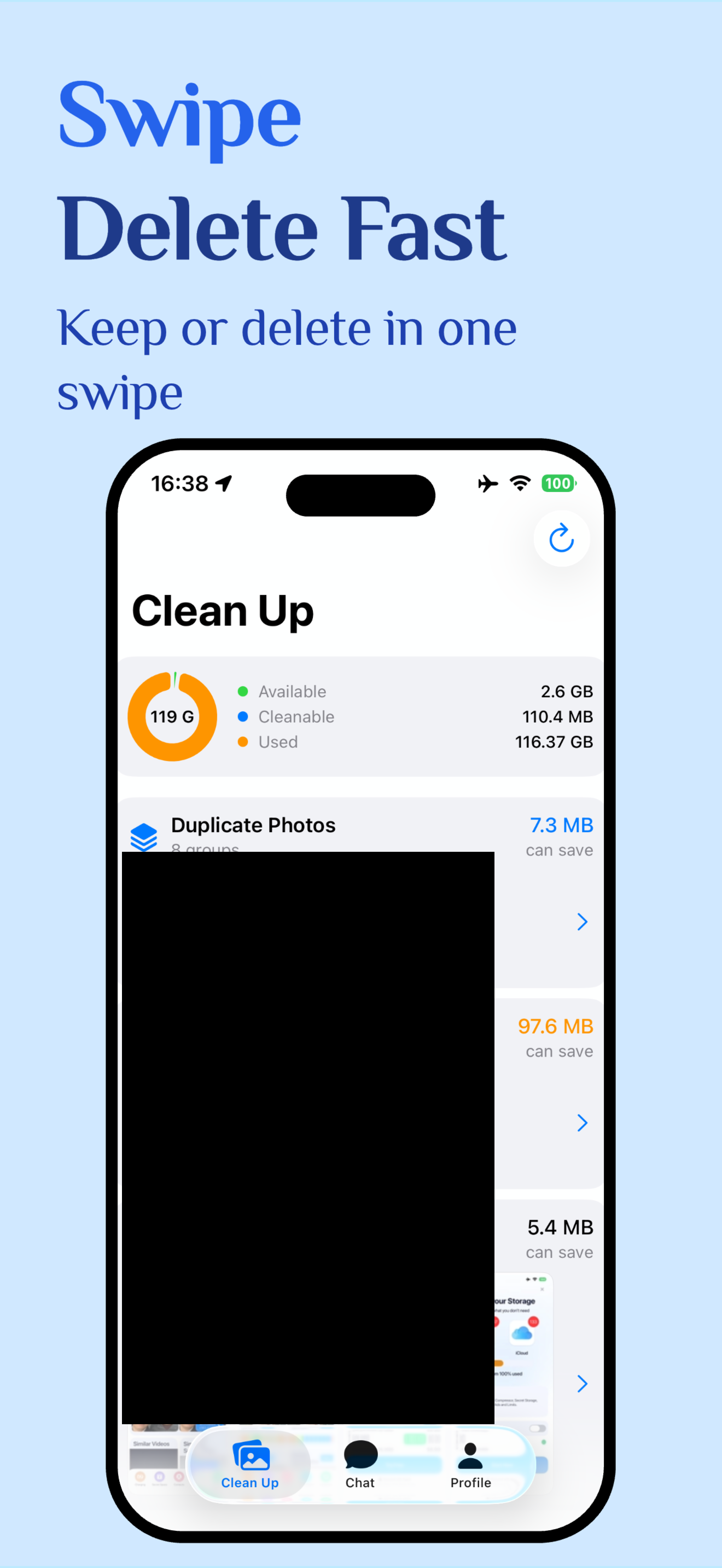
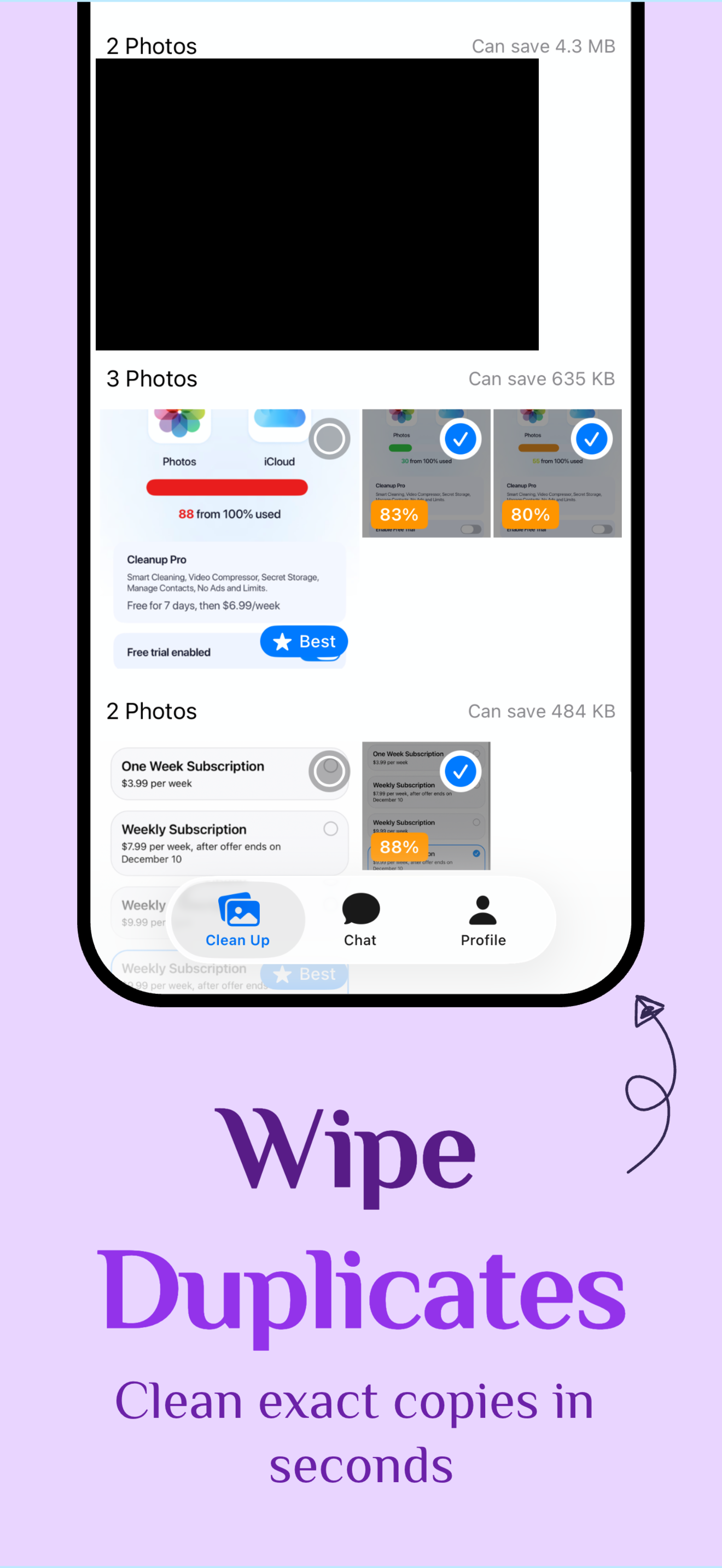

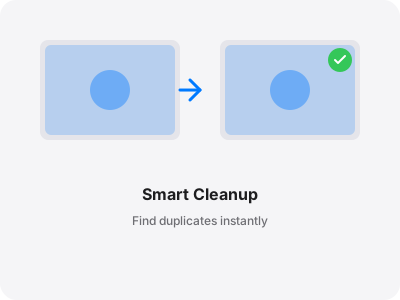
Find duplicates others miss. AI scans every pixel.
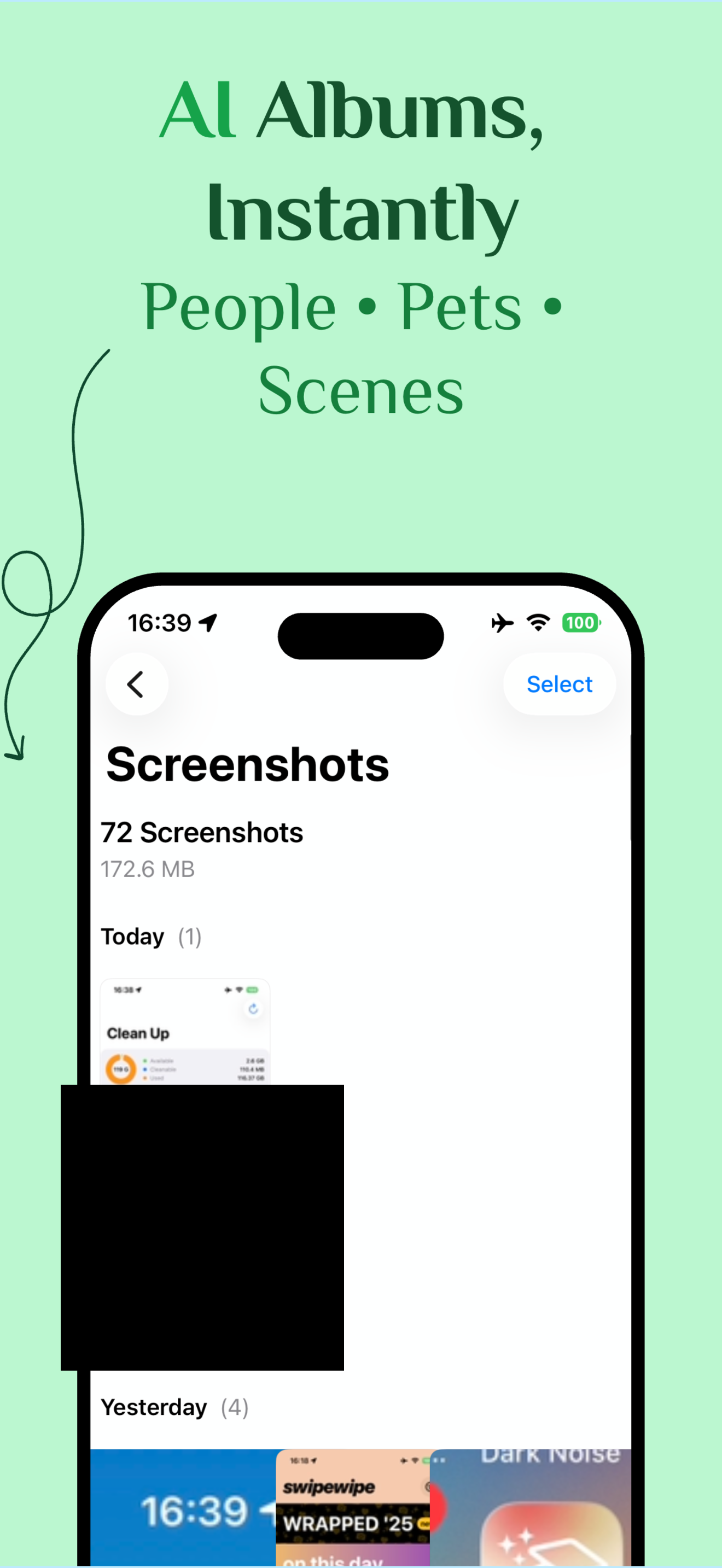
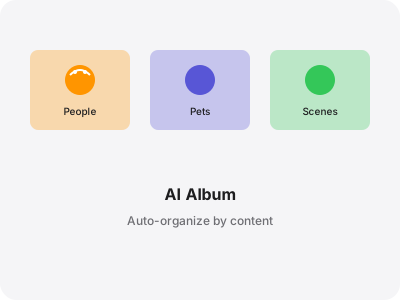
People. Pets. Places. Instantly organized.
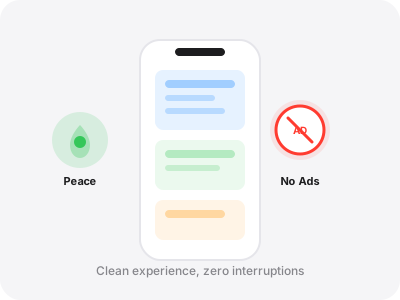
No ads. No banners. No interruptions. Ever.
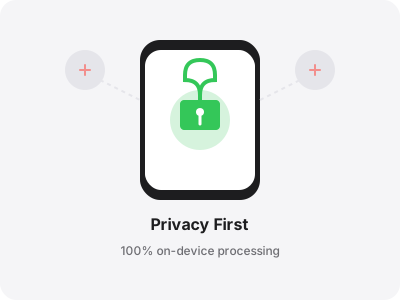
Your photos never leave your device. Period.
Simple steps to get started.
Gone
Saved
Changed your mind? Tap to bring it back.
One tap to clear them all.
Common questions and answers.
Yes, absolutely. Your photos never leave your device. Everything runs offline. We can't see your photos — and we don't want to.
Your photos automatically sorted into smart categories: People, Couples, Pets, and Scenes (beach, city, food, travel). Find any photo without scrolling forever.
No. Deleted photos are moved to the "Recently Deleted" album in your system Photos app. They will be kept there for 30 days before being permanently removed by iOS. You can recover them anytime within that period.
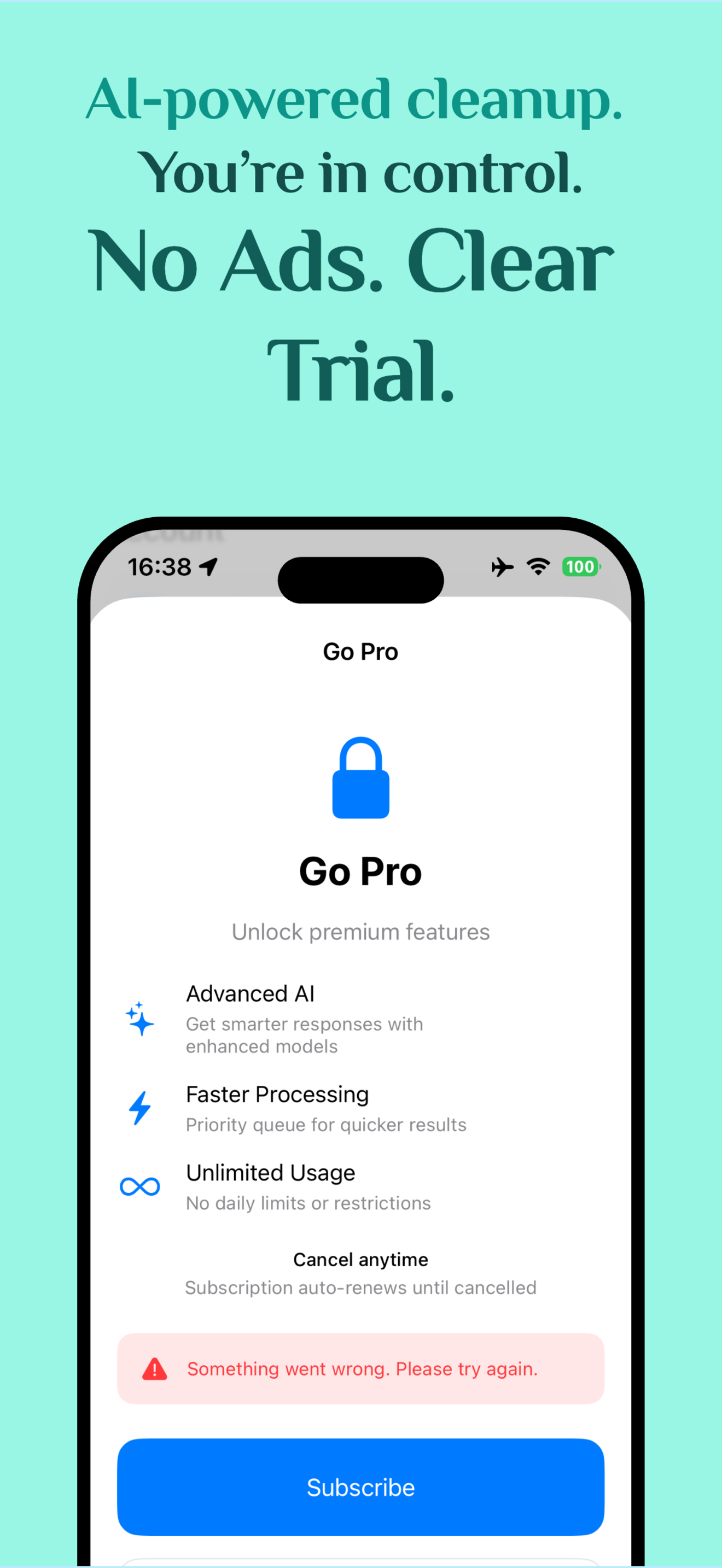
We offer a 3-day free trial with full access to all features. After the trial, it is $9.99/week (auto-renewable). We'll remind you before your trial ends — no surprise charges. Cancel anytime in Settings → Subscriptions.
Full access to all features for 3 days: duplicate detection, similar photos cleanup, AI albums, and all cleanup tools. No limitations.
Go to SwipeClean Settings > Premium, and tap "Restore Purchase".